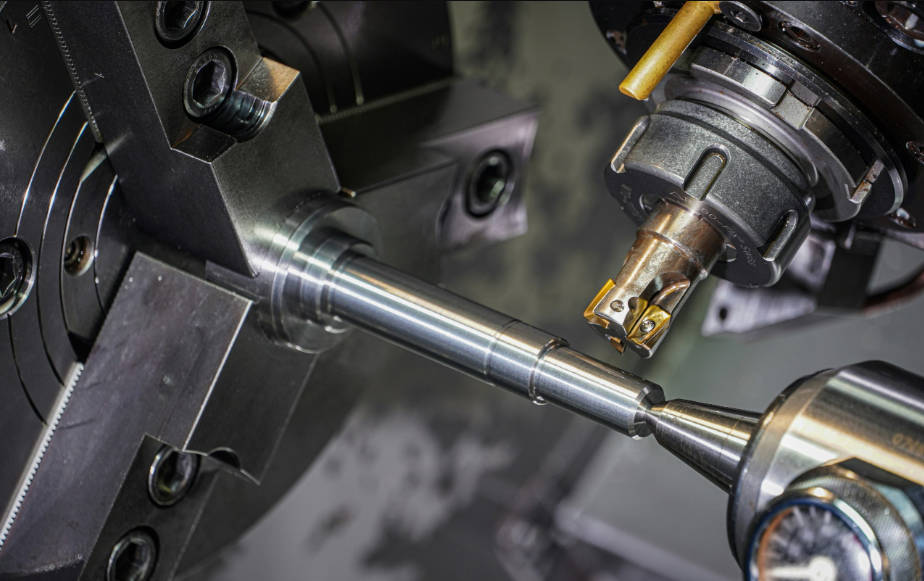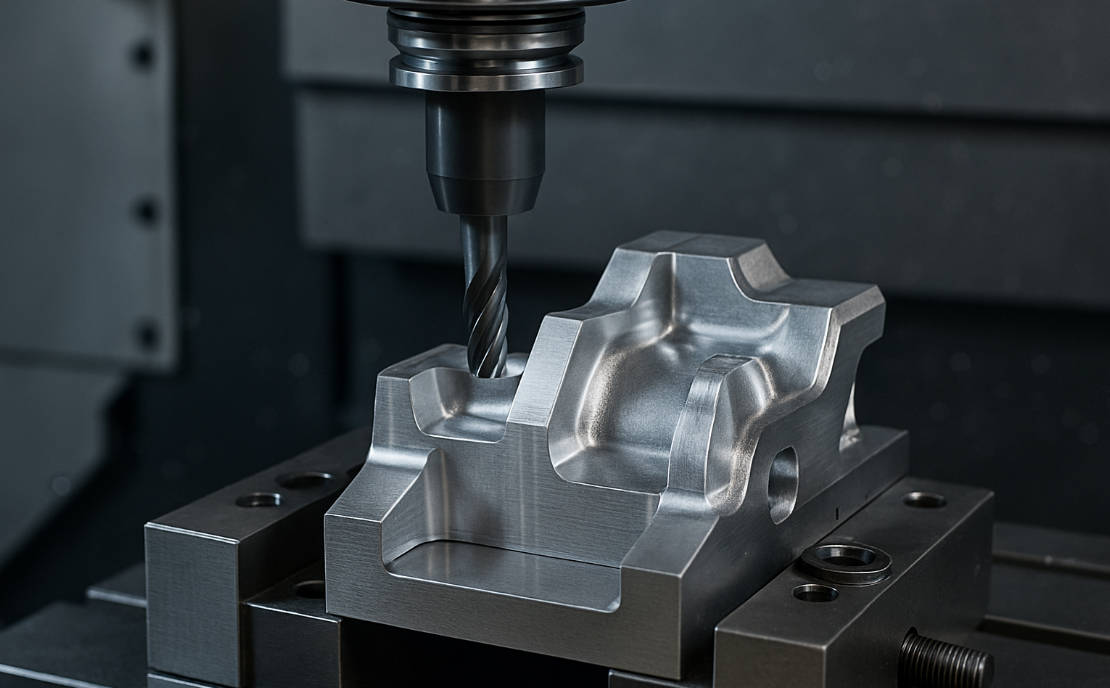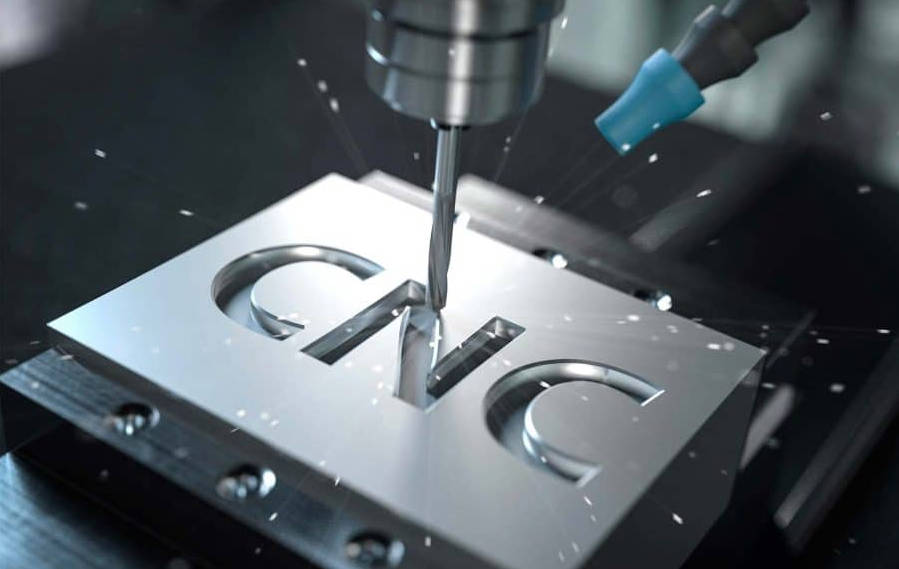
Calculating the feed rate for CNC milling is a fundamental skill that balances machining speed with quality and tool longevity. The basic formula to determine your starting feed rate is: Feed Rate (Inches Per Minute or IPM) = Spindle Speed (RPM) x Number of Flutes x Chip Load (Inches Per Tooth). Mastering this calculation and understanding the variables that influence it is the key to moving from a novice operator to an expert machinist, allowing you to optimize cycle times, achieve superior surface finishes, and maximize the life of your cutting tools.
Table of Contents
- What is Feed Rate in CNC Milling and Why is it Critical?
- The Core Formula: How to Calculate CNC Milling Feed Rate
- Beyond the Formula: Critical Factors That Influence Your Feed Rate
- Advanced Concepts: Optimizing Feed Rate with Chip Thinning
- Practical Application: From Theory to the Shop Floor
- Common Mistakes to Avoid When Setting Feed Rates
- Conclusion: Achieving Machining Excellence Through Optimal Feed Rates
What is Feed Rate in CNC Milling and Why is it Critical?
In CNC milling, the feed rate is the velocity at which the cutting tool is advanced along the workpiece. It’s typically measured in Inches Per Minute (IPM) or Millimeters Per Minute (mm/min). This parameter, in conjunction with spindle speed, dictates the material removal rate and the overall efficiency of your machining operation. Getting the feed rate right is not just about speed; it’s a critical balancing act that directly impacts three core areas of machining.
First, it affects tool life. A feed rate that is too high can cause excessive force on the cutting edges, leading to premature wear, chipping, or even catastrophic tool failure. Conversely, a feed rate that is too low can cause rubbing instead of cutting, generating excessive heat and also shortening the tool’s life. Second, it determines the surface finish. An optimal feed rate produces a consistent and clean cut, while an incorrect rate can leave tool marks, burrs, or a generally poor finish. Finally, it drives cycle time. In a production environment, even small optimizations in feed rate can add up to significant time savings and increased throughput, directly impacting profitability.
The Core Formula: How to Calculate CNC Milling Feed Rate
The foundation of all feed rate calculations is a straightforward mathematical formula. While this provides a crucial starting point, remember that it’s a theoretical value that must often be adjusted based on real-world conditions. The primary goal of this formula is to achieve a desired chip load, which is the thickness of the material removed by each cutting edge (flute) of the tool.
Breaking Down the Feed Rate Formula Variables
The formula for feed rate is expressed as: Feed Rate = RPM × N × CL. Each of these variables plays a distinct and important role in the equation. Understanding what each one represents is the first step toward mastering your speeds and feeds.
| Variable | Symbol | Description |
|---|---|---|
| Spindle Speed | RPM | The rotational speed of the machine’s spindle and cutting tool, measured in Revolutions Per Minute. |
| Number of Flutes | N (or Z) | The number of cutting edges on the milling tool. |
| Chip Load | CL (or Fz) | The recommended thickness of the chip that each flute should cut per revolution, measured in Inches Per Tooth (IPT) or mm Per Tooth. This is typically found in tooling manufacturer charts. |
Step 1: Calculating Spindle Speed (RPM)
Before you can calculate your feed rate, you must first determine the correct spindle speed. This is not a random number; it’s derived from the Surface Feet per Minute (SFM) or Cutting Speed (Vc), which is the recommended speed at which the cutting edge can travel through a specific material. This value is provided by tooling manufacturers and is dependent on the tool material and the workpiece material.
The formula for spindle speed is: RPM = (SFM × 3.82) / Tool Diameter
For example, if a tooling manufacturer recommends an SFM of 800 for cutting Aluminum 6061 with a 1/2″ (0.5 inch) carbide end mill, the calculation would be:RPM = (800 × 3.82) / 0.5 = 6112 RPM. The constant, 3.82, is a simplified conversion factor derived from (12 inches/foot) / π.
Step 2: Understanding Chip Load (Feed per Tooth)
Chip Load is arguably the most critical variable in the entire calculation. It represents the thickness of the material being sheared off by a single cutting edge. This value is not something you invent; it is a recommendation based on extensive testing by tooling manufacturers. You will find chip load data in tooling catalogs or online resources, typically presented in a chart that cross-references the tool diameter, tool material (like Carbide or HSS), and workpiece material (like aluminum, steel, or titanium).
A proper chip load ensures that the tool is cutting and not rubbing. If the chip is too thin, the tool rubs against the material, generating heat and causing premature wear. If the chip is too thick, it puts excessive stress on the tool, risking breakage. For our example using a 1/2″ carbide end mill in aluminum, the manufacturer might recommend a chip load (CL) of 0.005 inches per tooth (IPT).
Step 3: Putting It All Together – A Practical Example
Now that we have all the necessary components, we can calculate the feed rate for our scenario. Let’s summarize the parameters:
- Tool: 1/2″ Diameter, 4-Flute Carbide End Mill
- Material: Aluminum 6061
- SFM: 800 (from manufacturer)
- Chip Load (CL): 0.005 IPT (from manufacturer)
First, calculate RPM:RPM = (800 × 3.82) / 0.5 = 6112 RPM
Next, calculate Feed Rate:Feed Rate (IPM) = RPM × Number of Flutes × Chip LoadFeed Rate (IPM) = 6112 × 4 × 0.005 = 122.24 IPM
Therefore, a starting feed rate of 122 IPM at 6112 RPM is the calculated recommendation for this specific operation. This is your baseline, which you will then monitor and potentially adjust based on the factors discussed next.
Beyond the Formula: Critical Factors That Influence Your Feed Rate
The formula provides a scientific starting point, but an experienced machinist knows it’s rarely the final answer. Numerous real-world variables can and should influence your final feed rate settings. Ignoring these can lead to broken tools, scrapped parts, and excessive machine wear. True optimization requires adjusting your calculated values based on the specific conditions of your setup.
Material Machinability: From Aluminum to Steel
The type of material being milled has the single greatest impact on your speeds and feeds. Softer, more free-machining materials like Aluminum 6061 or brass can handle very high feed rates. Harder, tougher, or more abrasive materials like Stainless Steel 304, Titanium, or Inconel require significantly reduced feed rates and spindle speeds to manage heat and cutting forces. Always refer to machinability ratings and manufacturer recommendations specific to the alloy you are cutting.
Tooling: Material, Geometry, and Coatings
The cutting tool itself is a major factor. A solid carbide end mill can withstand much higher temperatures and cutting forces than a High-Speed Steel (HSS) tool, allowing for faster feed rates. Tool geometry, such as the number of flutes and the helix angle, also plays a role. For example, a 2-flute end mill offers more room for chip evacuation in aluminum, while a 5 or 7-flute end mill is better for finishing passes in steel. Furthermore, modern tool coatings (like TiN, AlTiN, or TiCN) act as a thermal barrier and increase surface lubricity, often allowing you to increase your feed rate by 15-25% or more over an uncoated tool.
Depth of Cut (DOC) and Width of Cut (WOC)
How much material you engage with the tool in each pass is critical. The Depth of Cut (DOC) refers to the axial engagement (how deep the tool is in the Z-axis), while the Width of Cut (WOC) refers to the radial engagement (how far the tool steps over). A heavy roughing pass with a large DOC and WOC will require a more conservative feed rate to avoid overloading the tool and spindle. Conversely, a light finishing pass with a small DOC/WOC can often be run at a much higher feed rate to achieve a good surface finish.
Machine Rigidity and Spindle Power
Your machine’s capabilities are a hard limit. A massive, rigid industrial VMC (Vertical Machining Center) with a 50-taper spindle can handle aggressive feed rates without issue. However, a smaller benchtop or hobby-grade CNC router with lower rigidity will start to vibrate or “chatter” if the feed rate is too high. Chatter is a form of self-exciting vibration that results in a terrible surface finish and is extremely damaging to your tool and machine. If you hear chatter, your first reaction should be to reduce the feed rate or adjust your RPM.
Chip Evacuation and Coolant Strategy
Successfully cutting material is only half the battle; you must also get the chips out of the way. If chips pack up in the cut (a phenomenon known as “chip recutting”), they will generate immense heat and likely break the tool. Proper use of flood coolant, a high-pressure air blast, or through-spindle coolant is essential for flushing chips away, especially in deep slots or pockets. If your chip evacuation is poor, you must reduce your feed rate to prevent chip packing.
Advanced Concepts: Optimizing Feed Rate with Chip Thinning
Once you’ve mastered the basics, you can explore advanced techniques like compensating for radial chip thinning. This phenomenon occurs during high-speed machining (HSM) toolpaths where the radial width of cut (WOC) is very small, and it allows you to significantly increase your feed rate beyond the calculated value to maintain optimal chip thickness.
What is Radial Chip Thinning?
When the width of your cut is less than half the tool’s diameter, the actual thickness of the chip being formed is less than the programmed feed per tooth (chip load). Imagine a round cookie cutter slicing into dough; if you only press it in a tiny bit from the side, the sliver you cut is much thinner than if you pushed it straight down. The same principle applies to an end mill. This effect, known as radial chip thinning, means your tool is under-loaded and rubbing more than cutting, which is inefficient and generates excess heat.
How to Adjust Your Feed Rate for Chip Thinning
To compensate for this, you must increase your programmed feed rate to achieve the *desired effective chip thickness*. Many modern CAM software packages and online calculators can compute this for you automatically. However, the basic principle is that the smaller your WOC, the higher the feed rate multiplier you can apply. For example, with a WOC that is only 10% of the tool’s diameter, you might be able to safely double your calculated feed rate. This strategy is the cornerstone of High-Efficiency Milling (HEM) and allows for incredible material removal rates while being gentle on the cutting tool.
Practical Application: From Theory to the Shop Floor
While the formulas and theories are essential, success is ultimately found on the machine. Bridging the gap between calculation and reality involves using modern tools and developing a machinist’s intuition.
Using Speeds and Feeds Calculators
No one calculates every feed rate by hand on the shop floor. Professional machinists rely heavily on speeds and feeds calculators. These can be standalone software programs (like G-Wizard), integrated into CAM software (like Fusion 360 or Mastercam), or available as web-based apps from tooling manufacturers. These calculators are powerful because they not only perform the basic math but also incorporate compensation factors for chip thinning, material type, tool coating, and even machine profiles, giving you a much more accurate and optimized starting point.
The “Listen and Learn” Method: Adjusting on the Fly
The most valuable tool you have is your own senses. A properly engaged cut has a clean, consistent sound. A high-pitched squeal indicates your RPM may be too high or your feed rate too low. A low, rumbling groan or chatter indicates the cut is too heavy, and the feed rate should be reduced. Pay attention to the chips being produced. Are they small and silver, indicating a good cut? Or are they dark blue or black, indicating excessive heat? Learn to observe the surface finish as the tool passes. By listening to the cut and observing the results, you can use the feed rate override on your machine’s control to fine-tune the programmed rate in real-time until it sounds and looks perfect.
Common Mistakes to Avoid When Setting Feed Rates
Beginners and even some experienced operators often fall into common traps when setting feed rates. Avoiding these will save you time, money, and frustration.
- Being Too Conservative: Fearing tool breakage, many users run their feed rates far too low. This causes rubbing, generates excessive heat, and leads to premature tool failure—the very thing they were trying to avoid. Trust the calculations and start there.
- Ignoring Chip Load: Focusing only on RPM and a “fast” IPM without considering the recommended chip load per tooth is a recipe for disaster. Chip load is the key to a healthy cut.
- Using One Setting for Everything: The optimal feed rate for roughing is completely different from the optimal rate for finishing. You must adjust your parameters for each specific type of operation.
- Forgetting About the Machine: Applying feed rates meant for a heavy industrial machine to a lightweight hobby CNC will result in severe chatter and potential damage. Always machine within your equipment’s capabilities.
Conclusion: Achieving Machining Excellence Through Optimal Feed Rates
Calculating and applying the correct feed rate is a blend of science and art. It begins with the fundamental formula: Feed Rate = RPM × Flutes × Chip Load. This provides a solid, data-driven foundation. From there, you must layer on expert knowledge, considering critical factors like material, tooling, depth of cut, and machine rigidity. By leveraging modern calculators and, most importantly, by developing the sensory intuition to listen to your machine and read the signs of the cut, you can move beyond simple calculations. Mastering your feed rate will empower you to run jobs faster, produce higher quality parts, extend the life of your expensive tools, and ultimately achieve a new level of machining excellence.
cnc milling feed rate, calculate feed rate, feed rate formula, how to calculate feed rate for cnc milling, cnc speeds and feeds, what is feed rate, chip load calculator, spindle speed and feed rate formula, adjusting cnc feed rate, feed rate for aluminum, feed rate for steel