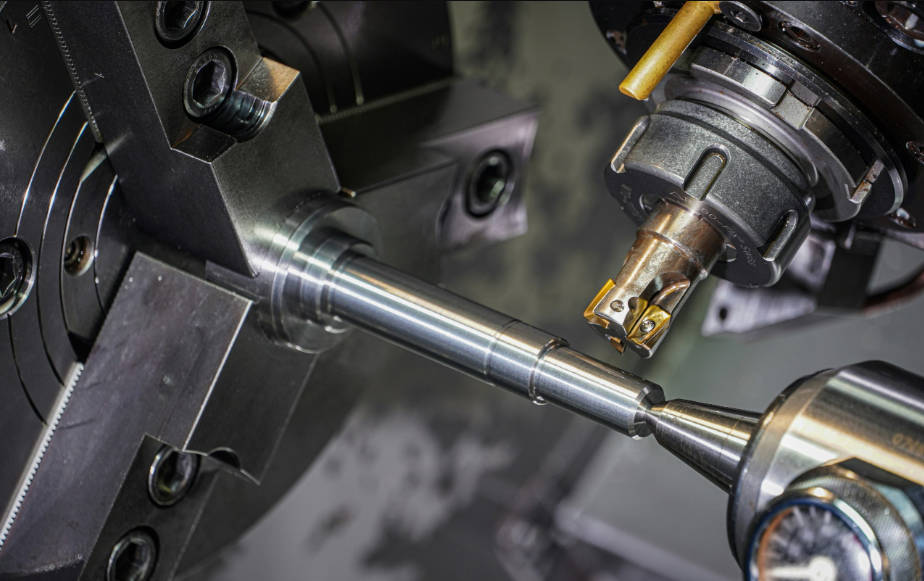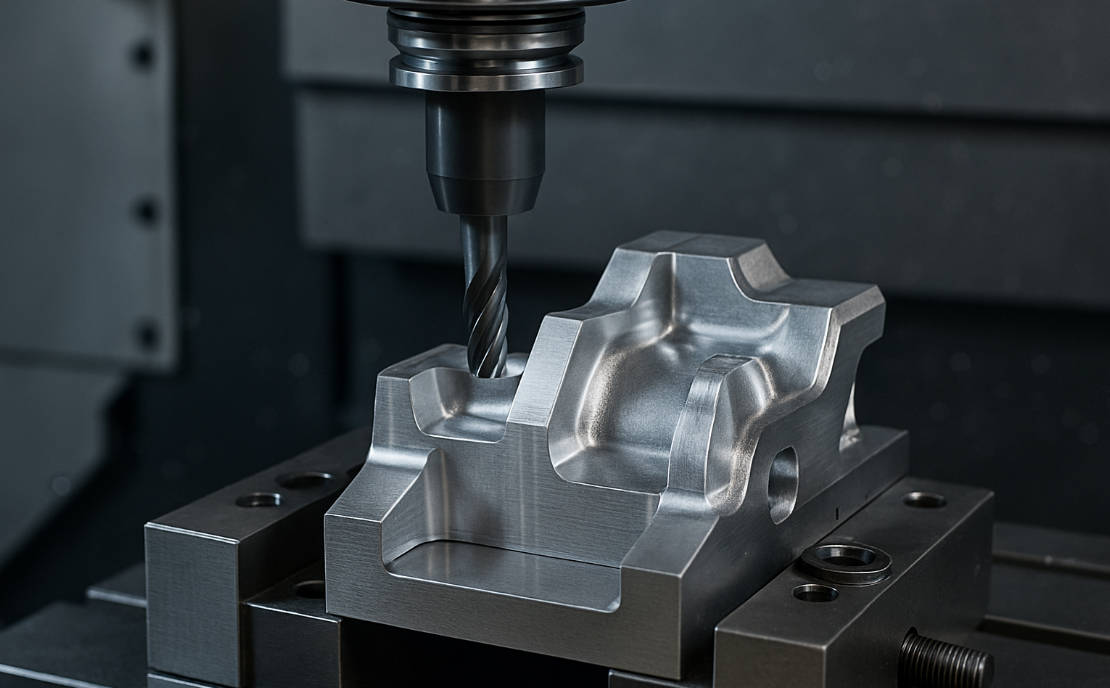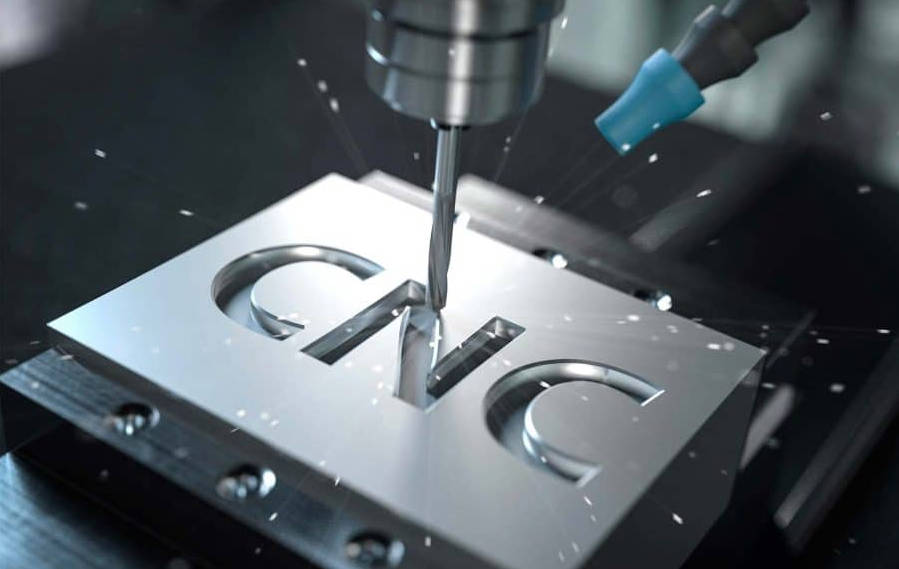
To calculate the correct RPM (Revolutions Per Minute) in CNC turning, use the formula: RPM = (Cutting Speed x 12) / (π x Diameter) for imperial units (inches), or RPM = (Cutting Speed x 1000) / (π x Diameter) for metric units (millimeters). This calculation is fundamental to achieving optimal surface finish, extending tool life, and ensuring efficient material removal. Understanding how to derive and apply this formula, along with the principles of Constant Surface Speed (CSS), is what separates a novice from an expert machinist.

Table of Contents
- Why is Calculating the Correct RPM So Crucial?
- Understanding the Foundation: What is Surface Speed (SFM or Vc)?
- How to Calculate RPM: The Spindle Speed Formula
- Key Factors That Influence Your Speed Selection
- G96 vs. G97: The Great Debate of CNC Turning Speeds
- Reference Guide: Starting Surface Speeds (SFM/Vc) for Common Materials
- Frequently Asked Questions (FAQ)
- Conclusion: From Calculation to Confident Machining
Why is Calculating the Correct RPM So Crucial?
In CNC turning, spindle speed isn’t just a number you guess; it’s a critical parameter that directly impacts every aspect of your operation. Setting the RPM too high or too low can lead to a cascade of problems, from poor quality parts to costly machine downtime. Getting it right from the start is paramount for productivity and profitability.
Here’s a breakdown of why a precise RPM calculation is non-negotiable:
- Tool Life and Longevity: The most significant impact of incorrect speed is on your cutting tools. Running a tool too fast generates excessive heat, leading to rapid wear, chipping, or even catastrophic failure. Conversely, running too slow can cause built-up edge (BUE) and chipping. Optimal RPM ensures the tool operates within its designed thermal range, maximizing its lifespan and saving you money.
- Surface Finish Quality: The interaction between the cutting tool and the workpiece at the point of contact dictates the final surface finish. An incorrect speed can result in chatter, burnishing, or a rough, torn finish. A correctly calculated RPM helps produce a clean, consistent shear, leading to the smooth, precise finish your customers expect.
- Material Removal Rate (MRR): Efficiency is key in manufacturing. The right spindle speed, paired with the appropriate feed rate, allows you to remove material as quickly and effectively as possible. This reduces cycle times and increases throughput without sacrificing quality or tool life.
- Machine and Operator Safety: Especially when using Constant Surface Speed (which we’ll cover later), an unmanaged RPM can cause the spindle to accelerate to dangerous speeds as the tool approaches the center of the part. This can exceed the machine’s or the chuck’s maximum safe speed, posing a significant risk.
Understanding the Foundation: What is Surface Speed (SFM or Vc)?
Before you can calculate RPM, you must grasp the concept of Surface Speed. This is the single most important factor provided by tool manufacturers. Think of it not as how fast the part is spinning, but as the relative speed at which the material is passing across the cutting edge of the tool. It’s the physical velocity of the material at the point of the cut.
Surface speed is expressed in two common units:
- SFM (Surface Feet per Minute): This is the imperial standard, representing how many feet of the material’s surface pass by the tool’s cutting edge in one minute.
- Vc (Cutting Velocity in meters per minute): This is the metric standard, representing how many meters of the material’s surface pass by the tool’s cutting edge in one minute.
The ideal surface speed is primarily determined by the workpiece material and the cutting tool material. A hard material like Inconel requires a much lower SFM than a soft material like Aluminum to manage heat and prevent tool wear. Tooling manufacturers spend millions on research to provide recommended SFM or Vc values for their inserts for various materials. Your job as a machinist is to translate this recommended surface speed into the correct RPM for a specific diameter on your lathe.
How to Calculate RPM: The Spindle Speed Formula
With a clear understanding of surface speed, we can now translate that recommendation into a specific command for our CNC machine: the RPM. The formula changes slightly depending on whether you are working in imperial (inches) or metric (millimeters) units.
The Imperial Formula (Using SFM)
When your part dimensions are in inches and your cutting speed is in SFM, you need to convert the units to be consistent. Since the diameter is in inches but the speed is in feet, we multiply the SFM by 12 to convert it to inches per minute.
The formula is:
RPM = (SFM * 12) / (π * Diameter)
Where:
- RPM: Revolutions Per Minute – the value you need.
- SFM: Surface Feet per Minute – the recommended cutting speed from your tooling supplier.
- 12: The conversion factor from feet to inches.
- π (Pi): The mathematical constant, approximately 3.14159.
- Diameter: The diameter of the workpiece at the point of the cut, in inches.
Example: Let’s say you are turning a 2.5-inch diameter piece of 6061 Aluminum. Your carbide insert manufacturer recommends a starting SFM of 800.
RPM = (800 * 12) / (3.14159 * 2.5)RPM = 9600 / 7.854RPM ≈ 1222
So, you would set your spindle speed to approximately 1222 RPM.
The Metric Formula (Using Vc)
The logic for the metric formula is the same, focusing on unit consistency. When your part dimensions are in millimeters and your cutting speed (Vc) is in meters per minute, you must convert the speed from meters to millimeters by multiplying by 1000.
The formula is:
RPM = (Vc * 1000) / (π * Diameter)
Where:
- RPM: Revolutions Per Minute – the value you need.
- Vc: Cutting Speed in meters per minute – the recommended speed.
- 1000: The conversion factor from meters to millimeters.
- π (Pi): The mathematical constant, approximately 3.14159.
- Diameter: The diameter of the workpiece at the point of the cut, in millimeters.
Example: You are turning a 65mm diameter piece of Stainless Steel 304. The recommended Vc for your insert is 150 m/min.
RPM = (150 * 1000) / (3.14159 * 65)RPM = 150000 / 204.203RPM ≈ 735
You would set your spindle speed to approximately 735 RPM.
Key Factors That Influence Your Speed Selection
The SFM/Vc values provided by manufacturers are starting points. Real-world machining requires you to adjust these values based on several critical factors. Experienced machinists develop a feel for how these variables interact, allowing them to fine-tune speeds and feeds for peak performance.
Workpiece Material
This is the most dominant factor. Different materials have vastly different properties of hardness, abrasiveness, and thermal conductivity.
- Soft Materials (e.g., Aluminum, Brass): Can be cut at very high surface speeds because they generate less heat and are not very abrasive.
- Steels (e.g., 1018, 4140): Require moderate speeds. Harder alloy steels need lower speeds than soft, low-carbon steels.
- Stainless Steels & Superalloys (e.g., 316, Inconel): These are tough, work-harden easily, and are poor thermal conductors. They trap heat at the cutting edge and require significantly lower surface speeds to prevent tool failure.
Cutting Tool Material
The material and coating of your cutting insert determine how much heat and abrasion it can withstand.
- High-Speed Steel (HSS): Requires much lower speeds compared to carbide.
- Uncoated Carbide: A good general-purpose choice with moderate speed capabilities.
- Coated Carbide (e.g., TiN, TiAlN): Modern coatings act as a thermal barrier and increase lubricity, allowing for significantly higher surface speeds and longer tool life.
- Ceramic/CBN: Used for extremely hard materials or very high-speed finishing, capable of running at surface speeds far beyond carbide.
Operation Parameters (Depth of Cut & Feed Rate)
Spindle speed does not exist in a vacuum; it works in concert with feed rate and depth of cut.
- Roughing: Involves a large depth of cut and a high feed rate. To handle the high cutting forces and heat generation, you may need to reduce the SFM by 15-25% from the recommended value.
- Finishing: Uses a small depth of cut and a lower feed rate to produce a good surface finish. Here, you can often increase the SFM by 10-20% to achieve a better shearing action and a shinier finish.
Machine Rigidity and Coolant Usage
The condition of your machine plays a crucial role. A rigid, heavy-duty lathe can handle higher cutting forces and is less prone to vibration (chatter) than a lighter-duty machine. If you experience chatter, reducing the RPM is often one of the first corrective actions. Furthermore, the effective use of flood coolant is critical. Coolant flushes away chips and, most importantly, extracts heat from the cutting zone, allowing you to run at higher speeds without burning up your tool.
G96 vs. G97: The Great Debate of CNC Turning Speeds
Modern CNC lathes give you two primary modes for controlling spindle speed: G97 (Constant RPM) and G96 (Constant Surface Speed). Choosing the right one is essential for efficient programming and high-quality results.
What is G97 (Constant RPM Mode)?
G97 is the simplest mode. When you command G97 S1000;, the spindle will rotate at exactly 1000 RPM, regardless of where the tool is positioned. It stays locked at that speed until a new S-word is commanded.
Use G97 for operations where the tool is working on the centerline of the part, or where a consistent rotational speed is more important than a consistent surface speed. This includes:
- Drilling
- Tapping
- Reaming
- Threading (where the feed is synchronized to the spindle’s rotation)
What is G96 (Constant Surface Speed Mode)?
G96 is the more intelligent and powerful mode for turning. When you command G96 S800;, you are not telling the machine to run at 800 RPM. Instead, you are telling it to maintain a constant surface speed of 800 SFM (or Vc, depending on your machine’s settings).
The machine’s control continuously monitors the X-axis position (the diameter) of the tool. It then uses the RPM formula internally to calculate and adjust the spindle’s RPM in real-time. As the tool moves towards the center of the part (smaller diameter), the spindle speeds up. As it moves out towards the outer diameter, the spindle slows down. This ensures the material is always passing the cutting edge at the optimal speed, resulting in a consistent surface finish across an entire face or turned diameter.
The Essential Safety Net: G50 Spindle Speed Clamp
There’s a potential danger with G96. As the tool approaches the very center of the part (X0), the diameter approaches zero. According to the formula, this would require an infinitely high RPM, which is physically impossible and extremely dangerous. To prevent this, you must always use a G50 Spindle Speed Clamp before activating G96.
A typical line of code looks like this: G50 S3000;. This command tells the control: “Do not allow the spindle to exceed 3000 RPM, no matter what the G96 calculation demands.” This protects the machine, the chuck, and the operator.
G96 vs. G97: Which One Should You Use?
Here is a simple table to help you decide:
| Feature | G97 (Constant RPM) | G96 (Constant Surface Speed) |
|---|---|---|
| What it Controls | Sets a fixed spindle speed (e.g., 1000 RPM). | Sets a target surface speed (e.g., 800 SFM). |
| Spindle Behavior | Speed remains constant regardless of tool position. | Speed automatically changes as the cutting diameter changes. |
| Primary Use Cases | Drilling, tapping, reaming, threading, part warm-up. | Facing, turning, profiling, grooving. |
| Surface Finish | Finish changes as diameter changes (often gets worse near center). | Provides a highly consistent finish across the entire cut. |
| Required Safety | None, beyond the machine’s absolute maximum RPM. | Absolutely requires a G50 Speed Clamp to be set first. |
Reference Guide: Starting Surface Speeds (SFM/Vc) for Common Materials
The following table provides conservative starting points for SFM/Vc when using coated carbide inserts. Always consult your specific tool manufacturer’s catalog for the most accurate data. These values are primarily for roughing; you can often increase them by 10-20% for finishing cuts.
| Material Group | Example Materials | Recommended SFM (ft/min) | Recommended Vc (m/min) |
|---|---|---|---|
| Aluminum Alloys | 6061, 7075, 2024 | 800 – 2000 | 245 – 610 |
| Low-Carbon Steels | 1018, A36 | 600 – 900 | 180 – 275 |
| Alloy Steels | 4140, 4340 (Pre-hard) | 400 – 700 | 120 – 215 |
| Stainless Steels | 304, 316 | 350 – 550 | 105 – 170 |
| Tool Steels | A2, D2 (Annealed) | 250 – 450 | 75 – 135 |
| Cast Iron | Ductile, Gray Iron | 400 – 800 | 120 – 245 |
| Titanium Alloys | Ti-6Al-4V | 150 – 300 | 45 – 90 |
| Superalloys | Inconel 718, Hastelloy | 80 – 150 | 25 – 45 |
Frequently Asked Questions (FAQ)
Q: What happens if my RPM is too low?
A: If the RPM is too low for the material, the tool will not shear the metal effectively. This can lead to a “pushing” action, causing a poor surface finish, high cutting forces, chatter, and potentially causing a built-up edge (BUE) on the tool, which will quickly lead to its failure.
Q: My machine is chattering. Should I increase or decrease the RPM?
A: Chatter is a complex form of vibration. The first instinct for many is to slow down. While reducing the RPM can sometimes move you out of a harmonic range, so can increasing it. A good rule of thumb is to first try increasing your feed rate slightly. If that doesn’t work, try adjusting your RPM up or down by 10-15% to see if you can break the harmonic vibration.
Q: Why do I need to use G97 for threading?
A: Threading cycles like G76 rely on a precise synchronization between the Z-axis feed and the spindle’s rotation to create the correct thread pitch. G96, which constantly varies the RPM, would make this synchronization impossible. Therefore, a constant, locked-in RPM via G97 is mandatory for creating accurate threads.
Q: Can I just use one RPM for the whole part?
A: You can, by using G97 mode, but it’s not optimal. If you are facing a part from 4 inches down to the center using a single RPM calculated for the 4-inch diameter, the surface speed will become progressively slower and less efficient as you approach the center, leading to a poor finish in that area.
Conclusion: From Calculation to Confident Machining
Calculating the correct RPM is more than just plugging numbers into a formula; it’s about understanding the dynamic relationship between the material, the tool, and the machine. By starting with the tooling manufacturer’s recommended surface speed (SFM or Vc) and translating it into RPM for your specific diameter, you establish a strong, data-driven foundation for your operation.
Mastering the use of G96 Constant Surface Speed for all your turning and facing operations will dramatically improve the consistency and quality of your parts, while correctly applying G97 Constant RPM for drilling and threading will ensure accuracy. By always remembering the critical G50 speed clamp for safety, you can machine with confidence, efficiency, and precision, ultimately leading to better parts, longer-lasting tools, and a more profitable workflow.
calculate rpm cnc turning, cnc turning rpm, spindle speed calculation, how to calculate spindle speed cnc lathe, constant surface speed, sfm formula, g96 vs g97, cnc turning speeds and feeds, what is sfm in machining, cutting speed formula cnc